
Event
Money20/20 Europe 2026
Europe's largest fintech event bringing together 8,000+ senior executives, innovators, and investors from across the global payments, banking, and financial technology ecosystem.
AI that organizes your mailbox, drafts responses, prioritizes messages, and handles routine correspondence. Reduce email time by 80% while maintaining professional communication and never missing important messages.
Available on all platforms
AI that organizes your mailbox, drafts responses, prioritizes messages, and handles routine correspondence. Reduce email time by 80% while maintaining professional communication and never missing important messages.
Available on all platforms
Organize your inbox, draft professional responses, and save 10+ hours per week with intelligent email automation.

AI automatically categorizes emails into priority, action required, FYI, newsletters, and custom categories. Creates smart folders and filters out noise so you only see what matters.
Reduce email time by 80%, maintain professional communication, and never miss important messages with AI-powered email management.
Zero Inbox Chaos
AI automatically categorizes emails by priority, topic, and sender. Creates smart folders, filters noise, and surfaces important messages. Your inbox stays organized without manual effort.
Professional Communication
AI drafts responses based on email context, your writing style, and past conversations. Review and send in one click. Handles routine emails automatically with your approval.
Focus on What Matters
AI scores emails by importance using sender relationship, content urgency, and business context. Urgent messages are flagged instantly, routine emails are batched for later.
Never Drop the Ball
AI tracks emails requiring follow-up, sends reminders when responses are pending, and escalates when important emails go unanswered. Ensures nothing slips through.
Eliminate Back-and-Forth
AI handles meeting scheduling by checking your calendar, proposing times, and coordinating with participants. Automatically sends calendar invites and updates.
Data-Driven Insights
Track response times, email volume, communication patterns, and time saved. Identify bottlenecks and optimize your email workflow with actionable insights.
Complete Email Intelligence Suite
Every capability you need to reclaim your inbox, communicate professionally at scale, and stay compliant — all powered by AI.
AI-organized email workflow
Eliminate inbox overload with AI that continuously classifies, categorizes, and prioritizes every incoming message. Duplicate detection and merging keep threads clean, while VIP sender recognition ensures high-value contacts always surface to the top.
Eliminate inbox overload with AI that continuously classifies, categorizes, and prioritizes every incoming message. Duplicate detection and merging keep threads clean, while VIP sender recognition ensures high-value contacts always surface to the top.
Generate context-aware, professionally worded replies in seconds. The AI matches your tone and writing style, supports multi-language composition, and suggests relevant attachments so every response is polished and ready to send.
Urgency scoring and real-time sentiment detection ensure the right messages receive immediate attention. Automatic escalation triggers and SLA breach alerts prevent critical emails from falling through the cracks.
AI extracts commitments and deadlines directly from email content and schedules follow-ups automatically. Response tracking and sequence campaigns keep deals and projects moving forward without manual chasing.
AI reads availability from your calendar, proposes meeting times in natural language, and handles all coordination with participants. Time zone management and conflict resolution eliminate the back-and-forth that wastes hours every week.
A comprehensive analytics dashboard surfaces response time metrics, volume trends, and communication patterns so you can continuously improve team performance. Built-in archiving and compliance checks satisfy regulatory requirements out of the box.
Reclaim Your Time from Email
Flexible plans for individuals and teams of all sizes
For individuals managing email overload
For teams with high email volumes
For large organizations with compliance needs
Join 100+ professionals using AI to manage email more effectively. 14-day free trial, no credit card required.
Stay ahead with expert analysis, product updates, and industry trends from our team of trading technology specialists
Europe's largest fintech event bringing together 8,000+ senior executives, innovators, and investors from across the global payments, banking, and financial technology ecosystem.

How Tradesocio delivered an institutional-grade structured products platform with JSE exchange integration in 6 months, processing $100M USD in the first quarter with $50 minimum investment via Angular web and React Native mobile apps.
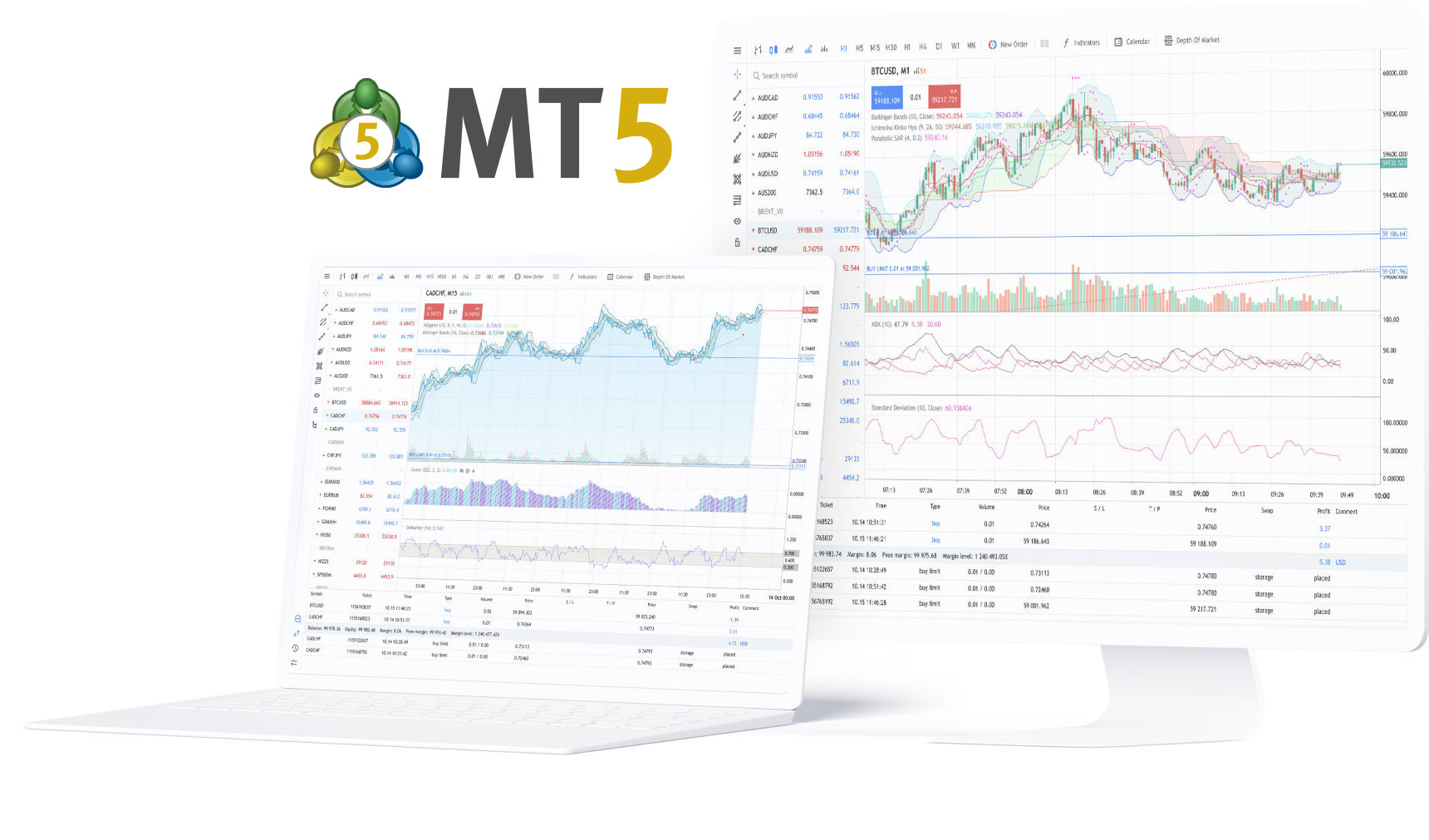
Discover how Bruno elevates your MT5 brokerage with advanced trading features, seamless integration, and zero setup costs for your first partner.

Announcing our strategic partnership with MSG91 to provide robust communication solutions and OTP verification services across regions, with special focus on the Indian market.

India's premier trading & fintech event bringing together 10,000+ attendees, brokers, fintech companies, and financial service providers from across the region.
Discover how Tradesocio's enterprise-grade fixed income solution transformed a tier-1 South African private bank's investment operations, delivering 40% efficiency gains and enabling $2B+ in new AUM growth within 12 months.

Email Correspondent AI is an intelligent assistant that organizes your inbox, drafts professional responses, prioritizes messages, handles routine correspondence, and tracks follow-ups. It reduces email time by 80% while maintaining quality communication and ensuring nothing important is missed.
The AI analyzes the incoming email context, your previous responses to similar emails, and your writing style. It drafts a professional response that you can review, edit if needed, and send in one click. Over time, it learns your preferences and improves accuracy.
Yes, you can define your preferred tone (formal, casual, friendly, direct), language preferences, signature format, and common phrases. The AI adapts to your style by learning from your edits and approved responses.
Email Correspondent AI works with Gmail, Outlook, Exchange, Office 365, and any IMAP/SMTP email server. It integrates seamlessly via secure API connections and supports multiple email accounts.
The AI scores emails based on sender relationship (VIP, team, external), content urgency (deadlines, action items), thread importance, and your interaction history. High-priority emails are flagged instantly, while routine messages are organized for batch processing.
Yes, all email data is encrypted in transit and at rest with bank-level security. We comply with GDPR, SOC 2, and other regulations. You control data retention policies, and we never train AI models on your private emails. Enterprise plans support on-premise deployment.
The AI can draft responses automatically but sends them only with your approval by default. For routine emails (like confirmations, out-of-office, meeting acceptances), you can enable auto-send with custom rules and approval thresholds.
Pricing is per user: Starter at $20/user/month (individual), Professional at $15/user/month (up to 50 users), and Enterprise with custom pricing for unlimited users. All plans include a 14-day free trial with no credit card required.